Jupyter notebooks
Jupyter notebooks are fun and easy way to run python code locally. They are excellent for documenting code, which will allow you to easily access, run and understand you code in the future.
They allow you to edit code in the browser, with automatic syntax highlighting, indentation, and tab completion/introspection. Run code from the browser, with the results of computations attached to the code which generated them. See the results of computations with rich media representations, such as HTML, LaTeX, PNG, SVG, PDF, etc. Create and use interactive JavaScript widgets, which bind interactive user interface controls and visualizations to reactive kernel side computations. Author narrative text using the Markdown markup language. Include mathematical equations using LaTeX syntax in Markdown, which are rendered in-browser by MathJax.
Install
Install the notebook with:
python -m pip install --upgrade pip
python -m pip install jupyter
Create first notebook
Run the notebook with:
jupyter notebook
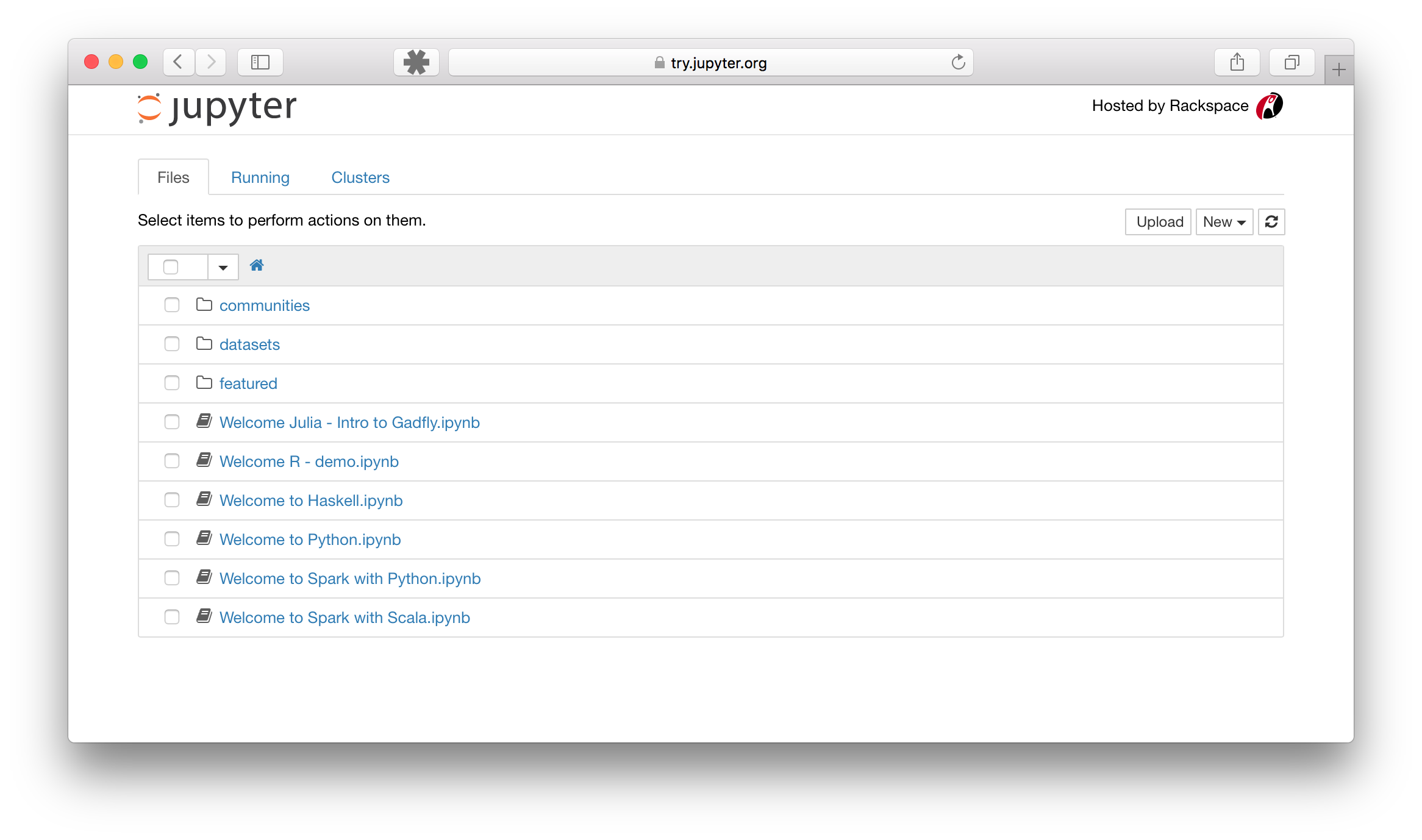
This is how a jupyter dashboard looks like:
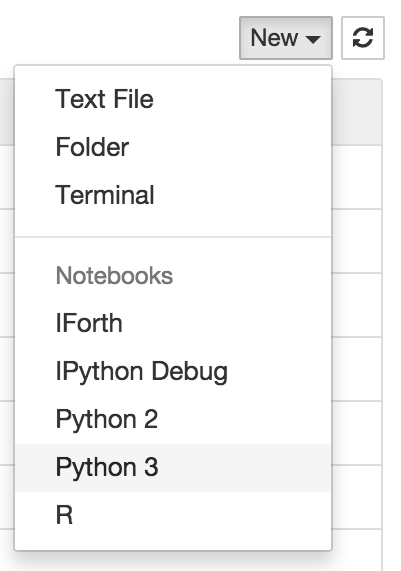
Create a new notebook by clicking on the following button:
Code
Run code from the code cells by pressing Shift+Enter
In [1]:  for i in range(50):
             print(i)
0
1
2
3
4
5
6
7
8
9
10
11
12
13
14
15
...
Document code
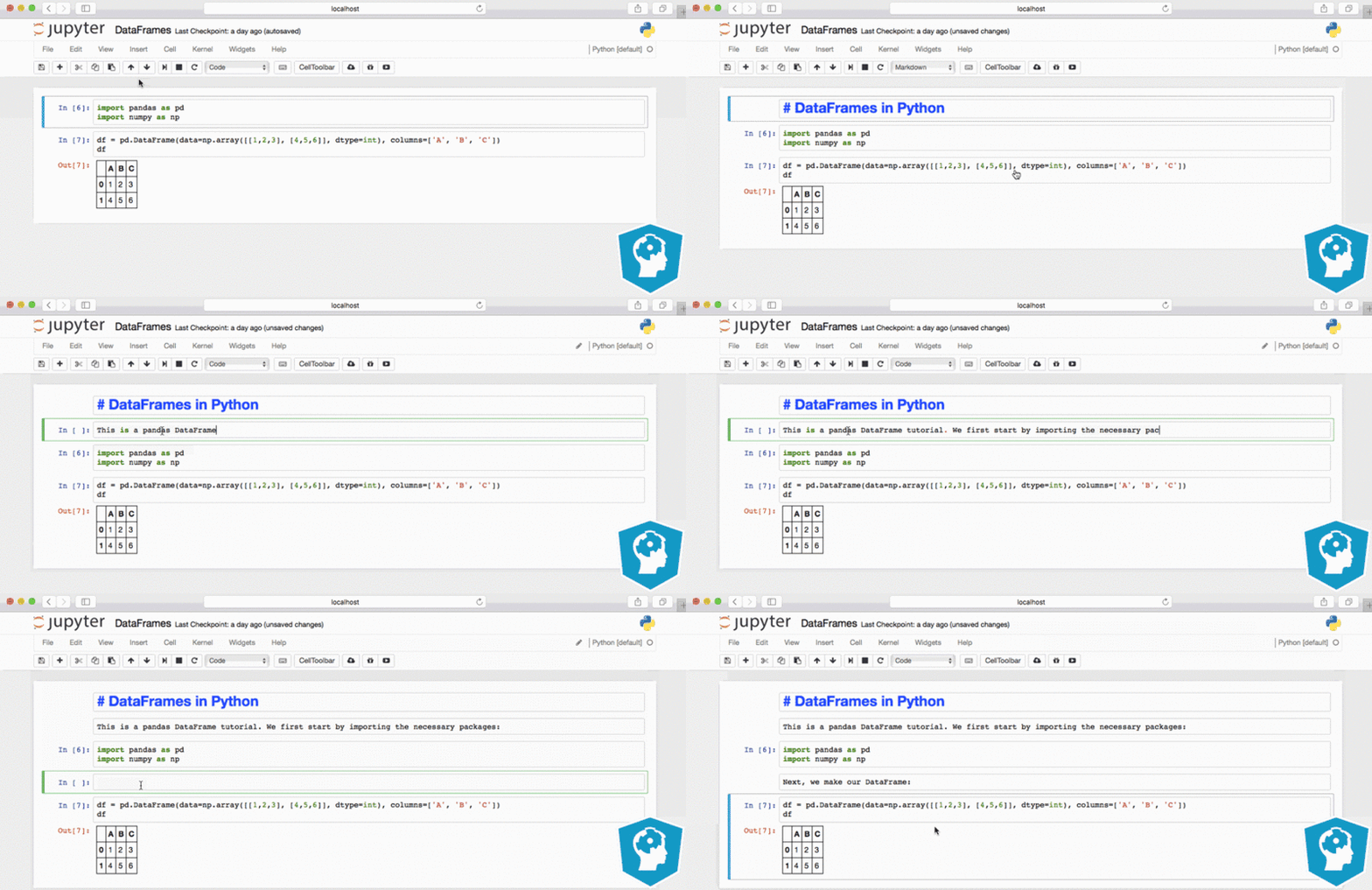
Document code in cells that precede or follow the code cells with markdown.
Further
Official documentation is available here.